Before you start
- Docker 24 or later, with Docker Compose
- Python 3.11 or later
sengol-platform image on GHCR
and the sengol package on PyPI. This release is a pre-release (2.0.1a2), so
the versions are pinned exactly.
1. Start the appliance
http://localhost:8080/console
instead.
http://localhost:8080/console, choose Sign in with an API token
instead, and paste the token. Pasting signs you in; there is no button to
press. The banner at the top says you are on a development licence.
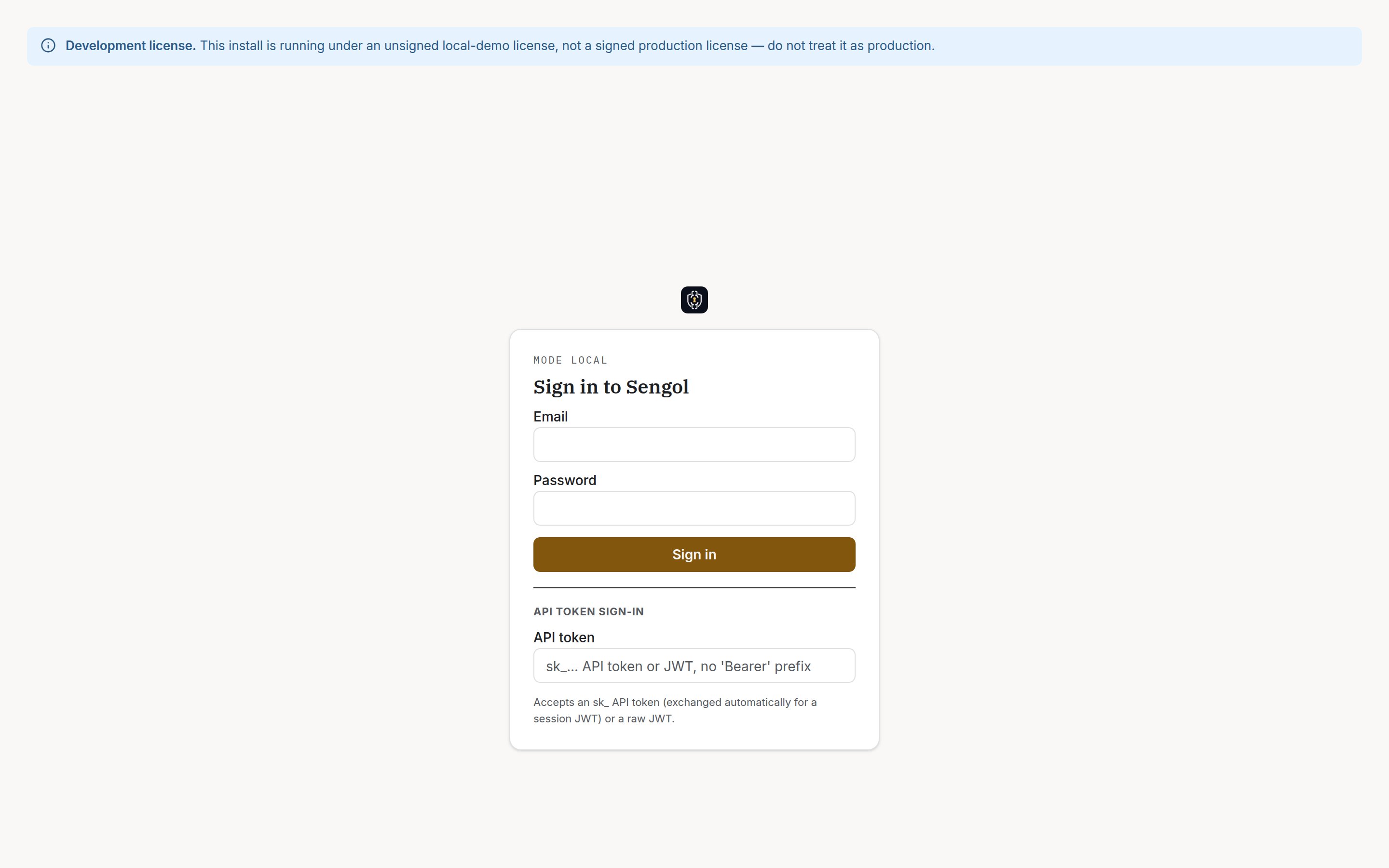
The sign-in page, after choosing Sign in with an API token instead.
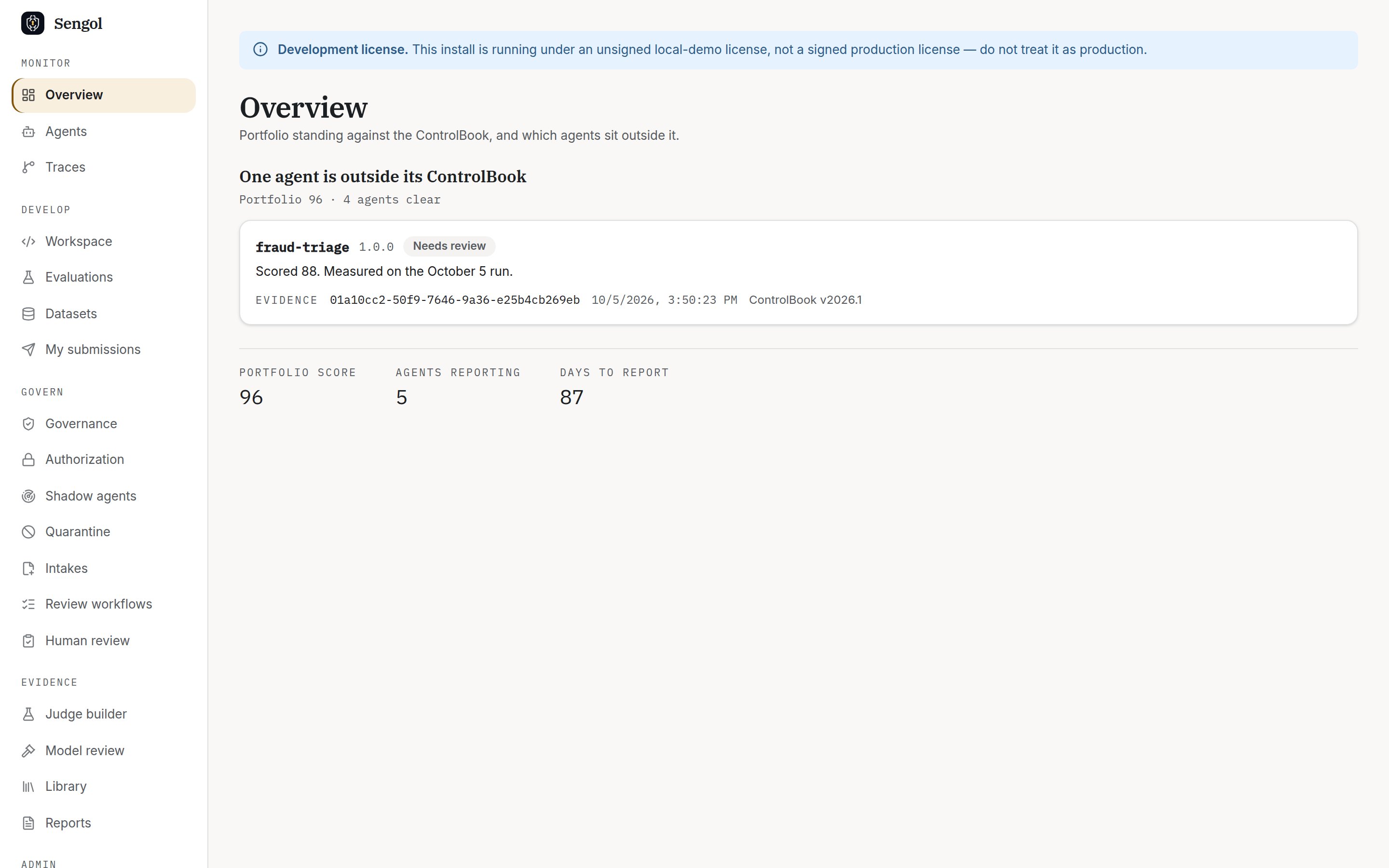
Overview: portfolio score and the agents outside their ControlBook.
The seeder reports
not registered ... needs an approved intake for each
demo agent. That is expected. New agents are registered through an intake
that an approver approves. The evidence is ingested anyway.2. Install the CLI
The CLI and Python SDK ship in thesengol package. Install it into a
virtual environment:
dev-admin-bootstrap-secret in exchange for an admin token:
3. Gate one agent response
Createsengol.yaml. It names the agent, the evaluators to run, and one
sample response:
sengol.yaml
EvaluationRunRecord. Read it back:
PIIEvaluator fails with PII_DETECTED, the gate reports
gate_passed=False, and the command exits 1. Without
--fail-on-gate-failure, a failed gate still exits 0.
The gate signs one aggregate record per run. It does not store a separate
record per sample. Per-response records come from the runtime path: the
SDK, guardrails, or trace ingest. See the AI developer
journey.
4. Export the evidence
The seeder wrote two weeks of per-response records for five agents. The appliance countersigns records in the background, nine at a time every 30 seconds by default. Right after seeding, most records are still queued. Drain the queue now instead of waiting about 20 minutes: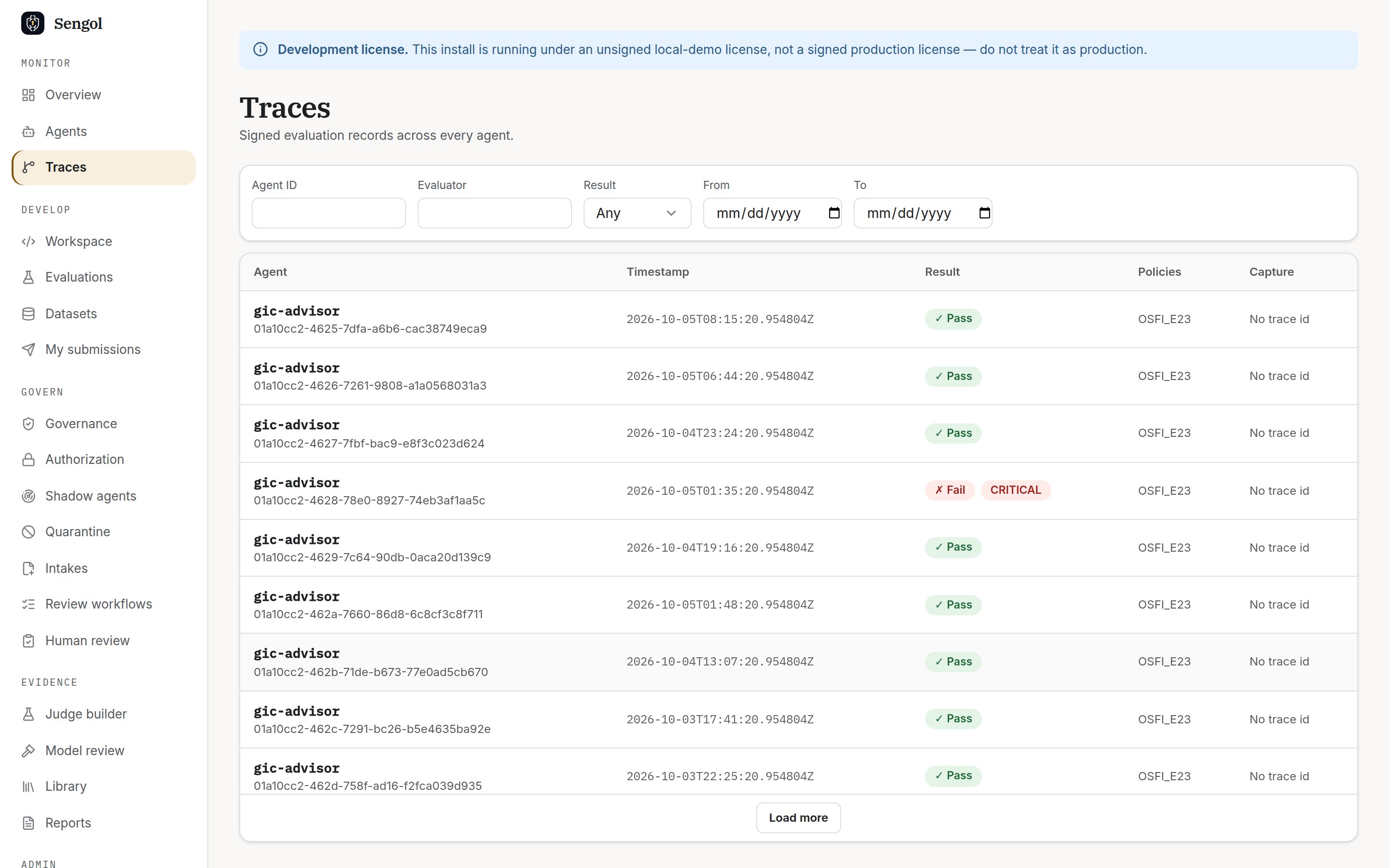
Traces: every signed record, with its result and policies.
pack.json holds the signed records, their Ed25519 countersignatures, and
the appliance’s public keys. --wait-for-countersign waits up to 30 seconds
for countersigning to finish. If the output ends with countersignature(s) still pending, drain the queue again and re-export.
5. Verify it without Sengol
sengol-verify is a separate, Apache-2.0 package with no dependency on
Sengol. Install it and check the pack:
3: the chain is intact, but you have not said which appliance key
you trust. The key embedded in the pack only proves the pack is internally
consistent. Fetch the appliance’s key from the appliance itself, then verify
against it:
0 means every check that can run offline passed and the
countersignatures match a key you trust. See the auditor
journey for what each check proves.
Clean up
Next steps
Evaluate in code
Use the SDK and guardrails.
Gate in CI
Add the GitHub Action.
Write a ControlBook
Map regulations to evaluators.
Install for real
Licence, identity, roles.