1
Get the right role
member, developer or admin.2
Open the queue
Console Human review, or the CLI.
3
Decide
Approve, or reject with a named failure mode.
1. Get the right role
Deciding a review item needs theaudit:write permission. Of the shipped
roles for people, only member, developer and admin have it. approver,
cro, validator, auditor and viewer can read the queue but cannot
decide.
If the active ControlBook names an override authority for an item’s risk
tier, you also need that permission. Ask your platform operator.
2. Open the queue
Items reach the queue in three ways:- Drift alerts, when the agent’s
sengol.yamlsetsgovernance.drift_response_policy.notify_compliance: true - Judge calibration runs, which sample cases for labelling
- Anyone with
audit:write, who can flag a specific record
sengol audit list and post it:
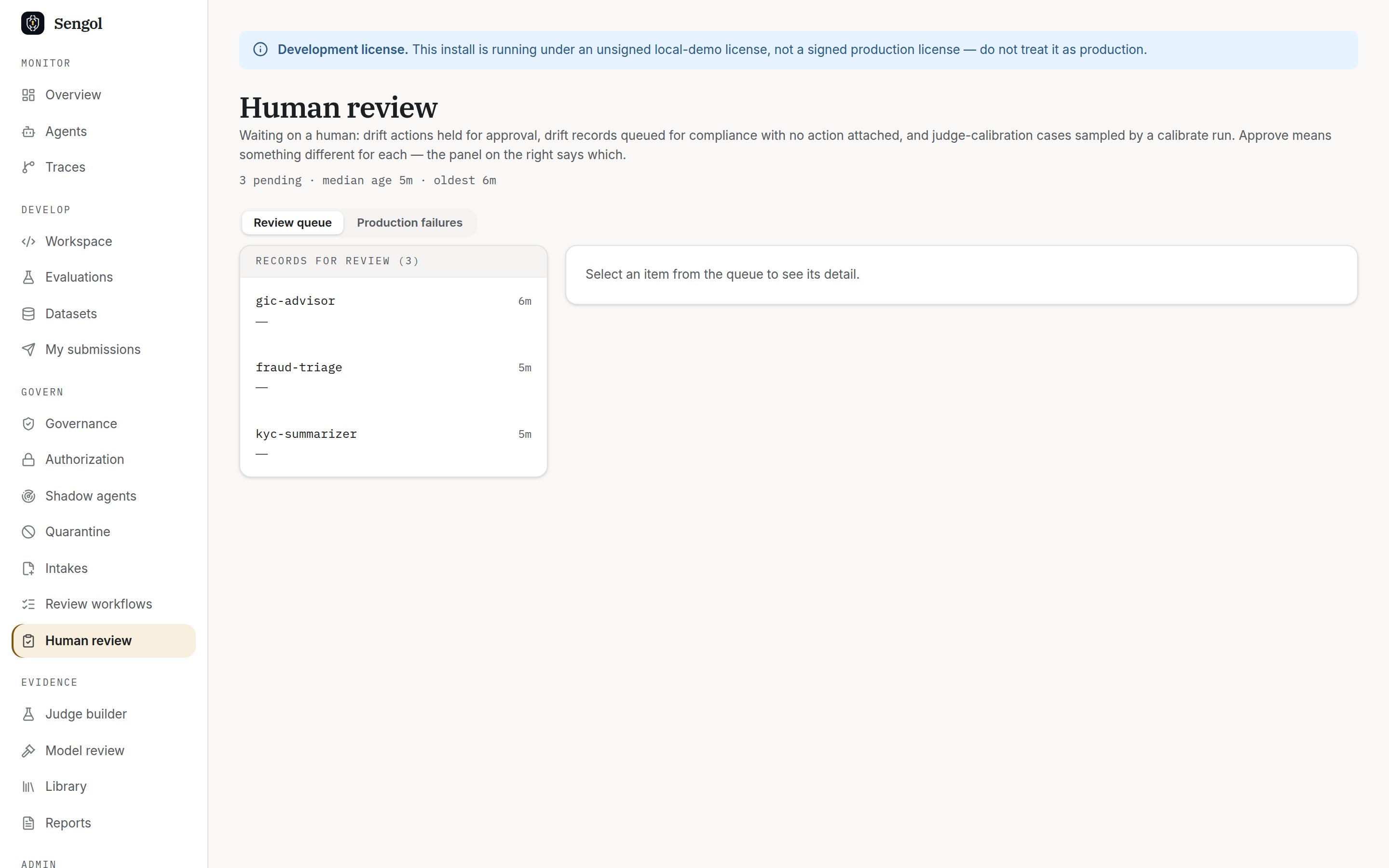
The review queue, signed in as a member.
3. Decide
In the Console, open an item. The panel explains why it was flagged and what a decision does. Choose Approve record, or Reject record and pick a failure mode.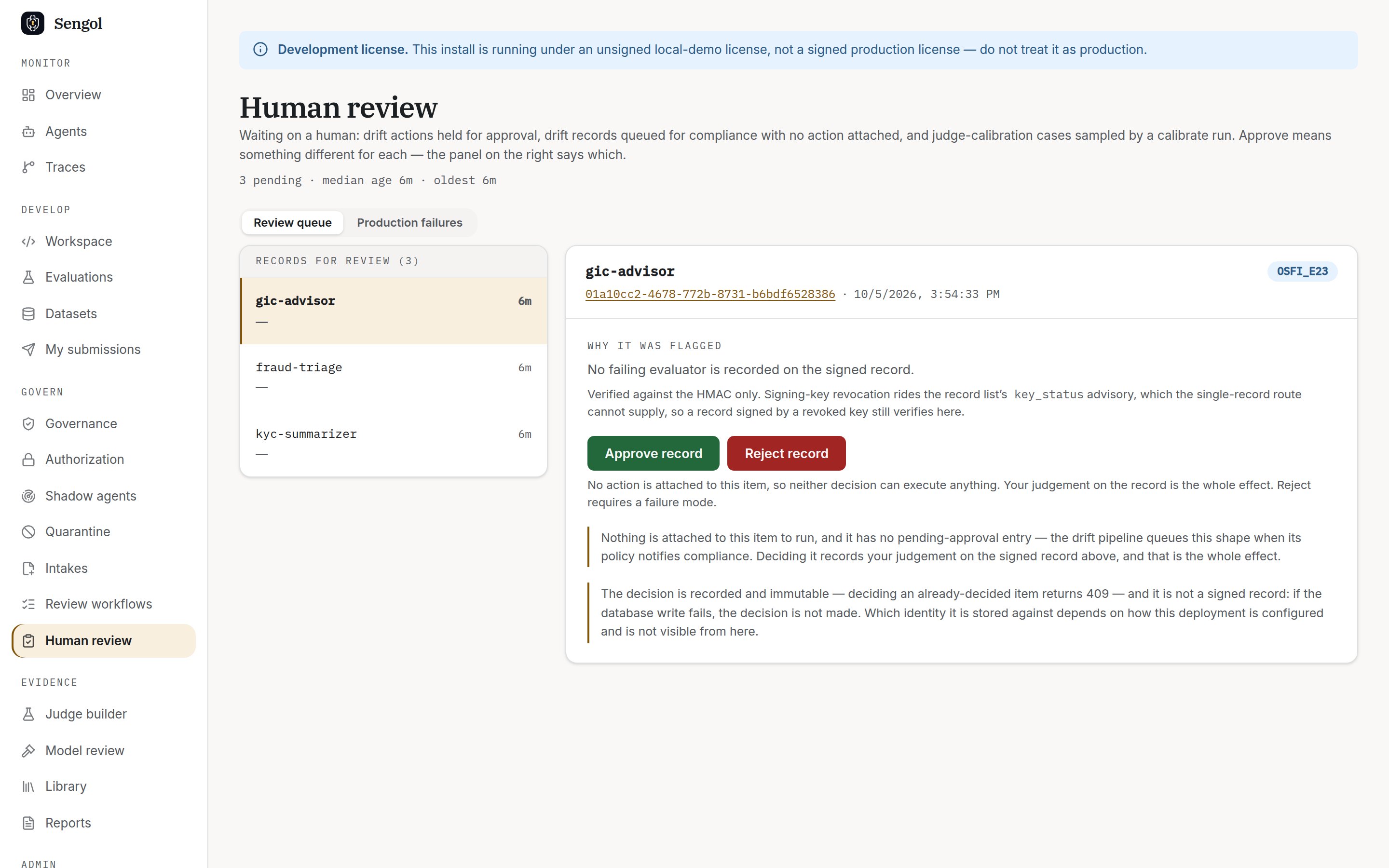
An open item: why it was flagged, and the two decisions.
- A rejection must name a failure mode. List the valid ones with
GET /v1/review/failure-modes. - A decision is final. Deciding the same item again fails:
- The reviewer recorded is always you, the signed-in user.
What happens to your decisions
- They are stored as review labels. They are not signed audit records, so an examiner cannot verify them offline.
- On a judge calibration run, decided items, approved and rejected, are
collected into
judge_training.jsonlfor the bank’s ML platform to train a judge candidate. Sengol never trains a model itself.
Intake review steps
If your team owns a responsibility in a review workflow, intakes routed to it show a Review progress card. Select Clear this step, or leave a note: advice, changes requested or a refusal. You need thesod:approve permission, an interactive sign-in and a seat in the
responsibility. That is a different role from the queue above: approver,
cro, validator and admin hold sod:approve, while member and
developer do not.